
Try our curtains in your space
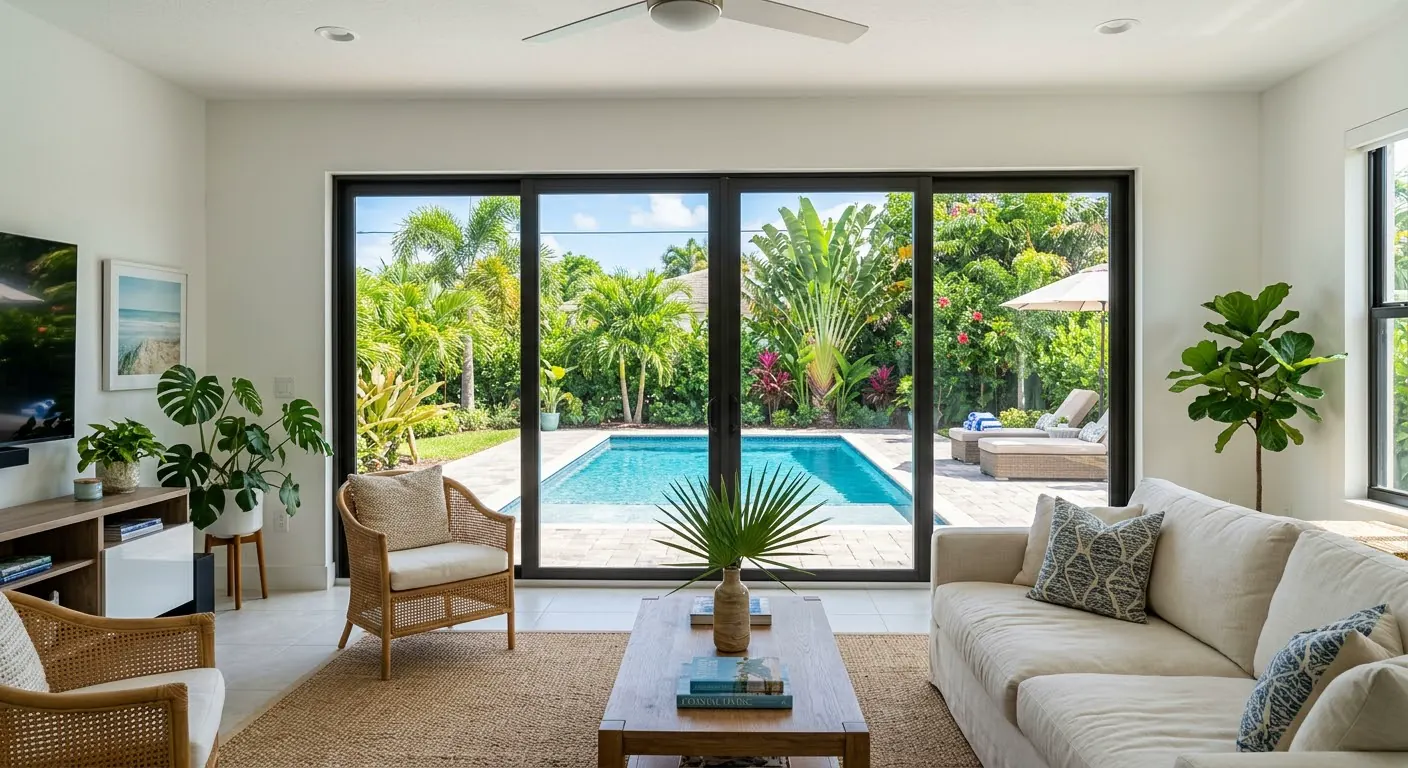
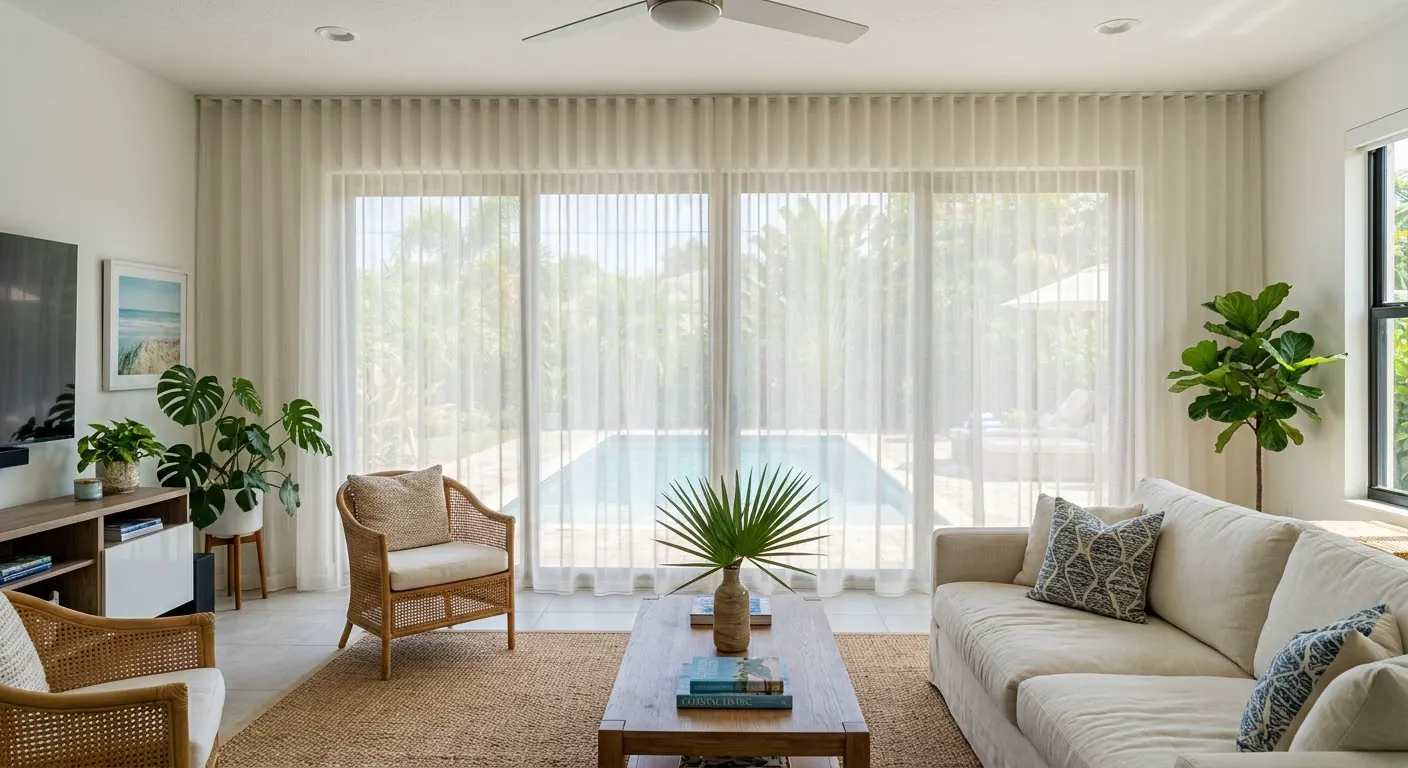
See how our curtains would look in your home. Upload a photo of your window or choose one of our sample rooms. It's easy, free, and no sign-up required.
1 Your space
For the best view, make sure your photo is landscape.
Your privacy matters to us. We use your photo only to visualize your curtains. We don't store or share it.
Prefer to try first?
Choose one of our sample rooms
2 Adjust the area
Move the points to define where you want your curtains to go.
3 Choose your curtains
What type of fabric do you prefer?
Choose your fabric and color
Would you like to add a second curtain?
Combine two fabrics for more control over light and privacy. Create different moods during the day and at night.
Curtain 2 · In front
What type of fabric do you prefer?
Choose your fabric and color
4 Stack
Which way would you like your curtains to open?
A single selection applies to both curtains.
How would you like to see your curtains?
Swipe to discover how your spaces transform.
5 Mounting
Where would you like to install your curtains?
Installing your curtains close to the ceiling can make your space look taller and more elegant.
Ready to make it real?
Bring the space you imagined to life. Customize your measurements and choose how you'd like to continue.
Tips for taking a good photo
We want your curtains to look amazing. Follow these simple tips.
- Landscape orientation. Turn your phone sideways to capture the entire space.
- Full wall. Include the ceiling, the floor, and the wall edge to edge. The more complete the view, the better the simulation works.
- Face the window. Stand straight in front of the window and hold your phone level, without tilting it.
- Natural light. Take the photo during the day, without flash, and try to keep furniture or objects from blocking the wall or window.
Would you like to save your simulation?
Before starting a new simulation, you can download the image you just created. If you continue without saving it, you will lose your current simulation.
Try a landscape photo
This will help you better visualize your curtains.
About this visualization
Imagine your space. Discover the possibilities.
At Drapery Life, we want to help you visualize how your new curtains will look and make choosing them a simple, enjoyable, and inspiring experience. Our simulator is a visual reference tool that lets you explore different fabrics, colors, and configurations over a photo of your space or a sample setting.
Please keep in mind that this is an approximate digital representation, which may differ from the final result. Perspective, angles, lighting, and photo quality can affect how proportions appear. Natural light, sun exposure, and warm or cool artificial lighting can change how colors are perceived. Brightness and color settings on each screen can also cause variations in tones. Each fabric has its own texture and drape characteristics, which may differ from the image.
If you'd like to get a better sense of colors and textures, we invite you to request physical samples before making your purchase. Please note that this digital visualization does not replace the selection and confirmation of measurements, fabrics, and other specifications for your order.
At Drapery Life, we work to give you clear information and support you throughout the entire process. This explanation does not limit your rights as a consumer or Drapery Life's responsibilities regarding the quality and specifications of your confirmed order.
We're here so you can enjoy every step, from the first idea to the moment your curtains dress your space.
First, confirm your area
Enter your ZIP code to confirm that we serve your area and add your curtains to the cart, where you'll complete your measurements.
Where should we send ideas for your space?
Leave your email to download your image. We'll only write to you with design ideas, and you can unsubscribe anytime.