
How the Drapery Life Atelier Works, Across Its 6 Experiences
The Atelier is the playful side of Drapery Life: six different paths—Movies and Games, Vibe Swipe, Chat with Lía, Space Tester, Home Sanctuary, and Inspiration—that all lead to the same goal, your ideal curtains. We show them to you with real screenshots.
Not everyone arrives knowing which curtain they want. Some have the measurements down but not the color; others just know they want “a cozier living room.” That's why we created the Atelier: a space to discover your style through play, with no forms and no pressure.
The Atelier currently has six experiences. They aren't steps you have to follow in order. They're six different entry points you can explore in any order you like, and they all lead to the same place: your curtain selection, with pricing tailored to your space. We'll walk you through each one, with real screenshots.
The Entry · Find your curtain through your senses
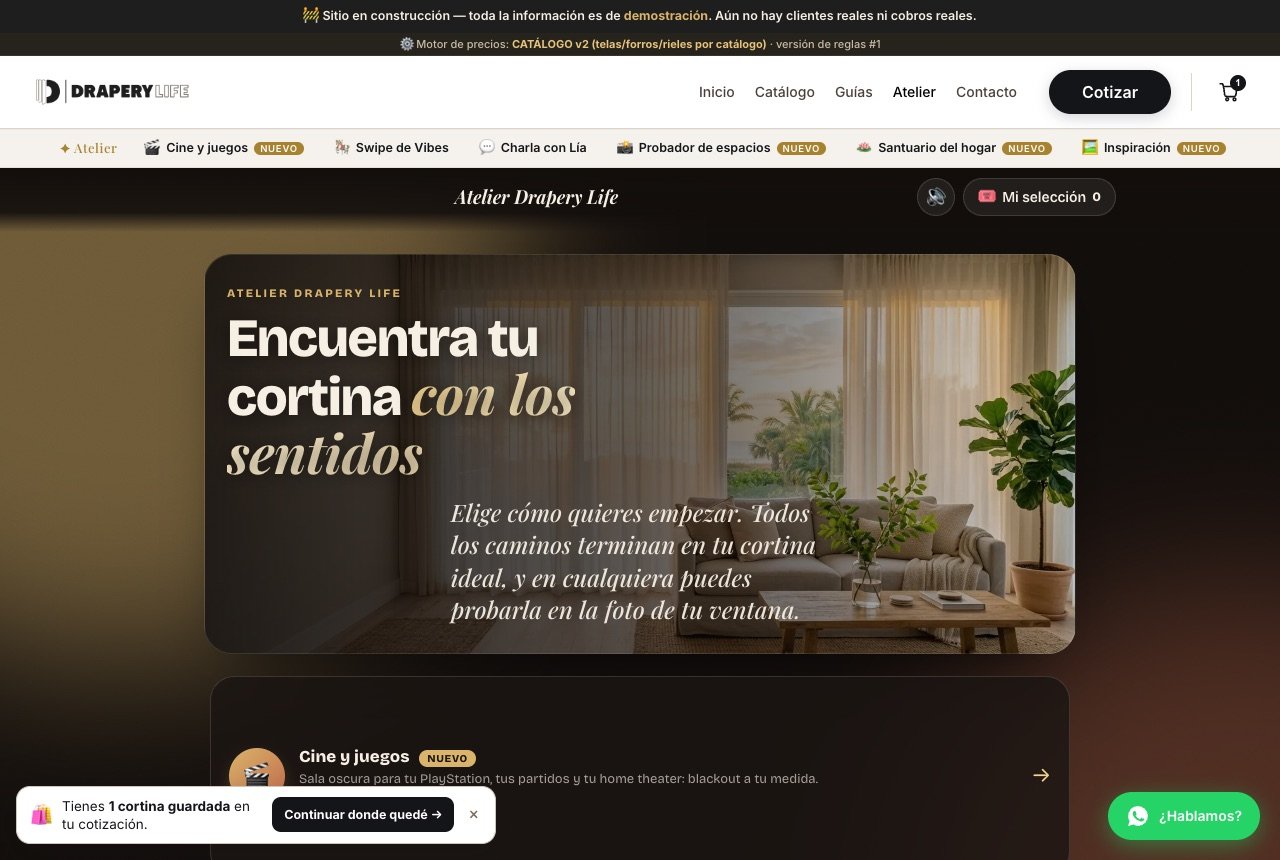
You enter from Atelier in the main menu or from the quick-access bar just below the menu, which appears across the site. Below the landing page are the six experiences, each with a short description and the approximate time it takes, from 2 to 4 minutes. In the top right are two controls that stay with you throughout: sound (🔊) and My selection (🎟️), where the fabrics you like are saved.
1 · Movies & Games, with Bruno
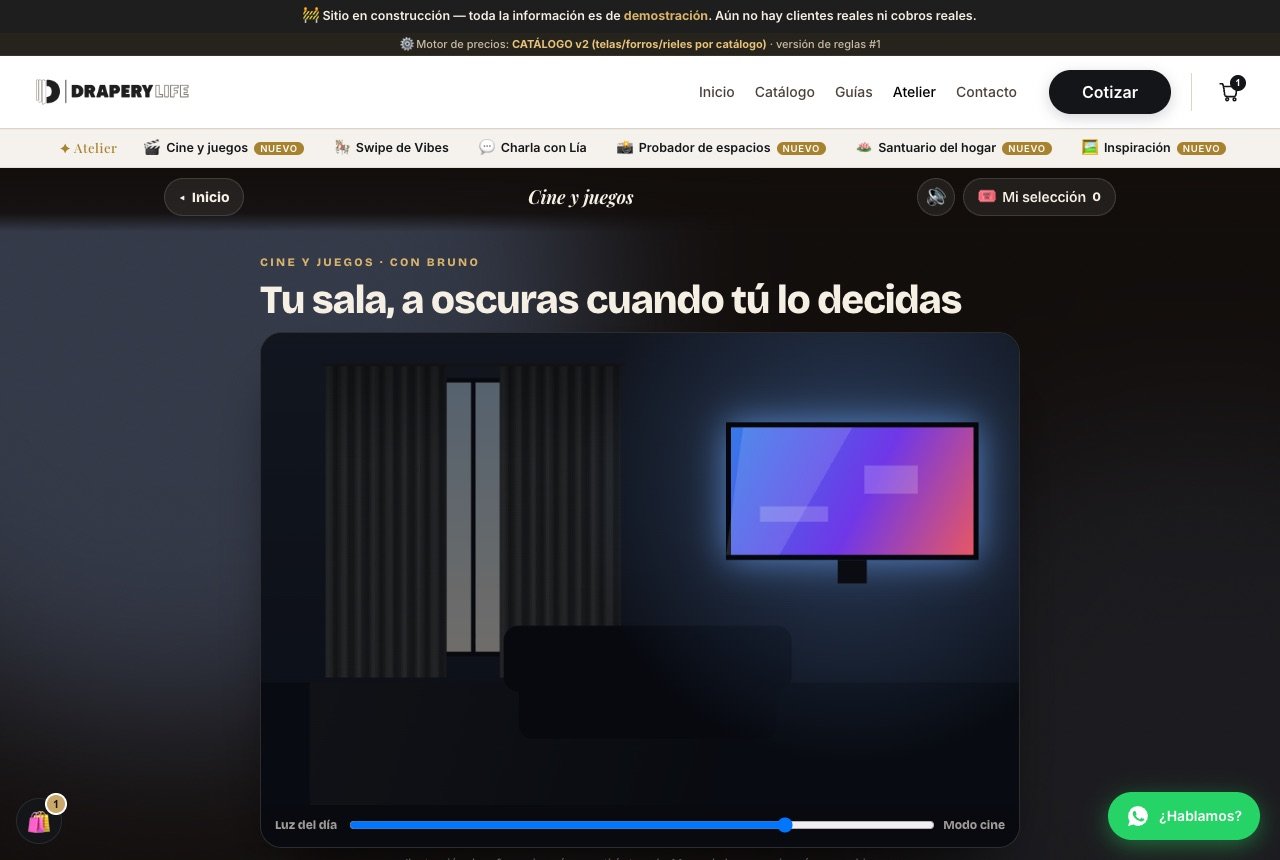
Designed for gaming rooms, sports viewing, and home theaters. Bruno guides you through four questions, starting with what you'll enjoy most in that room: gaming, sports, movies and shows, or a bit of everything. At the top, an illustrated room with a slider lets you move from “Daylight” to “Movie Mode” so you can see the difference a blackout curtain makes before you buy it.
2 · Vibe Swipe
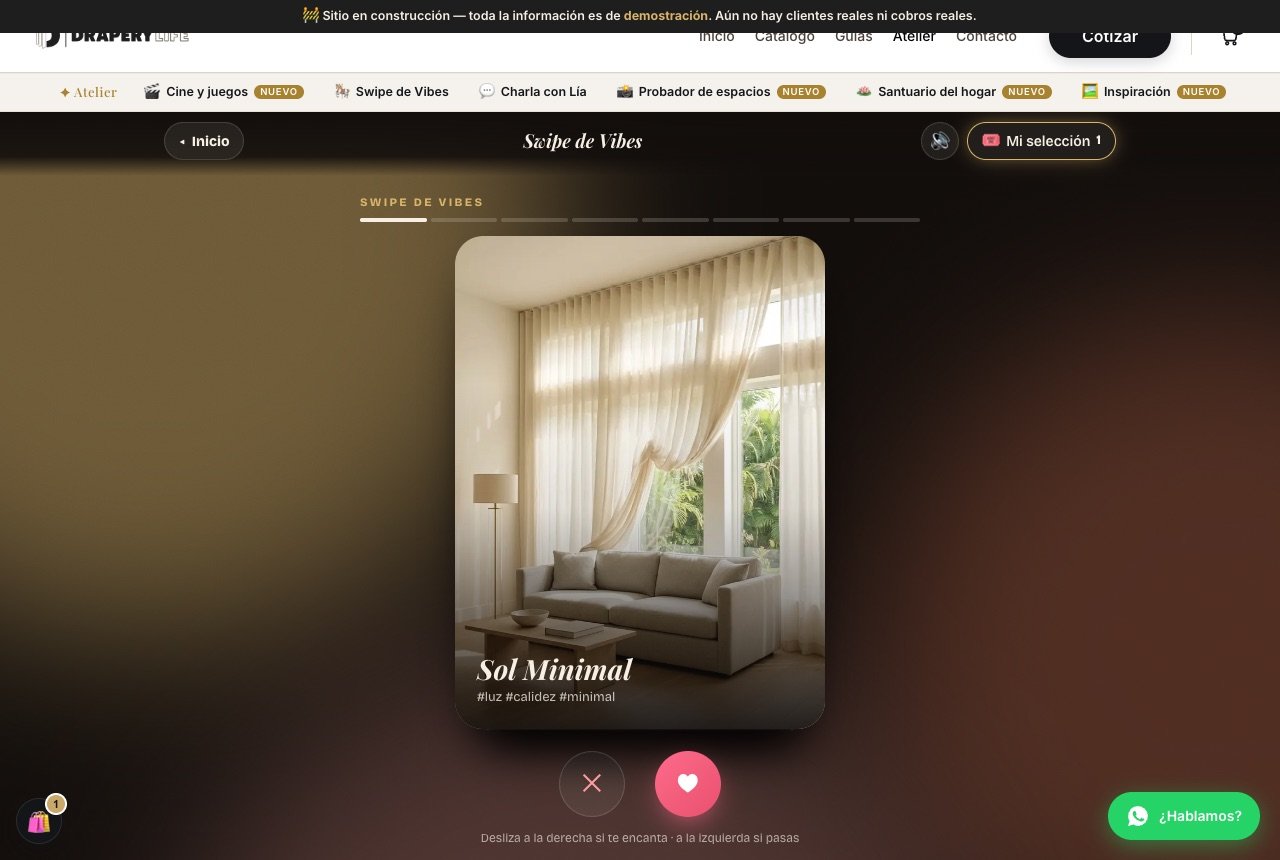
You choose a space (primary bedroom, living room, kitchen, dining room, home office, or nursery), and the Atelier shows you 8 photos of rooms. Swipe right, or tap the heart, on the ones you love; swipe left, or tap the X, on the ones you don't. The bars at the top track your progress.
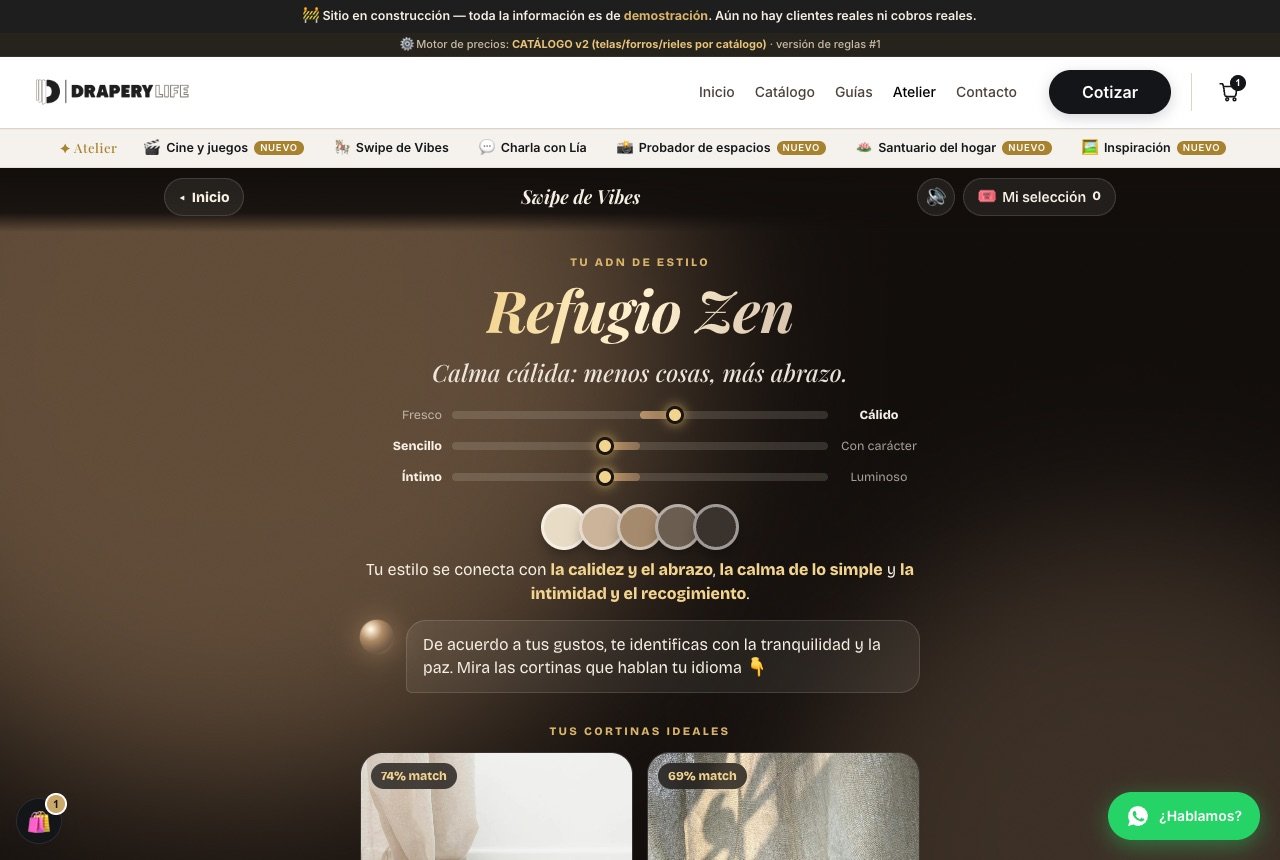
At the end, you receive your Style DNA, for example “Zen Retreat,” with three axes (fresh or warm, simple or characterful, intimate or bright), a color palette, and, further down, your ideal curtains with a match percentage and starting price. From there, you can refine the result with Lía or try another space.
3 · Chat with Lía
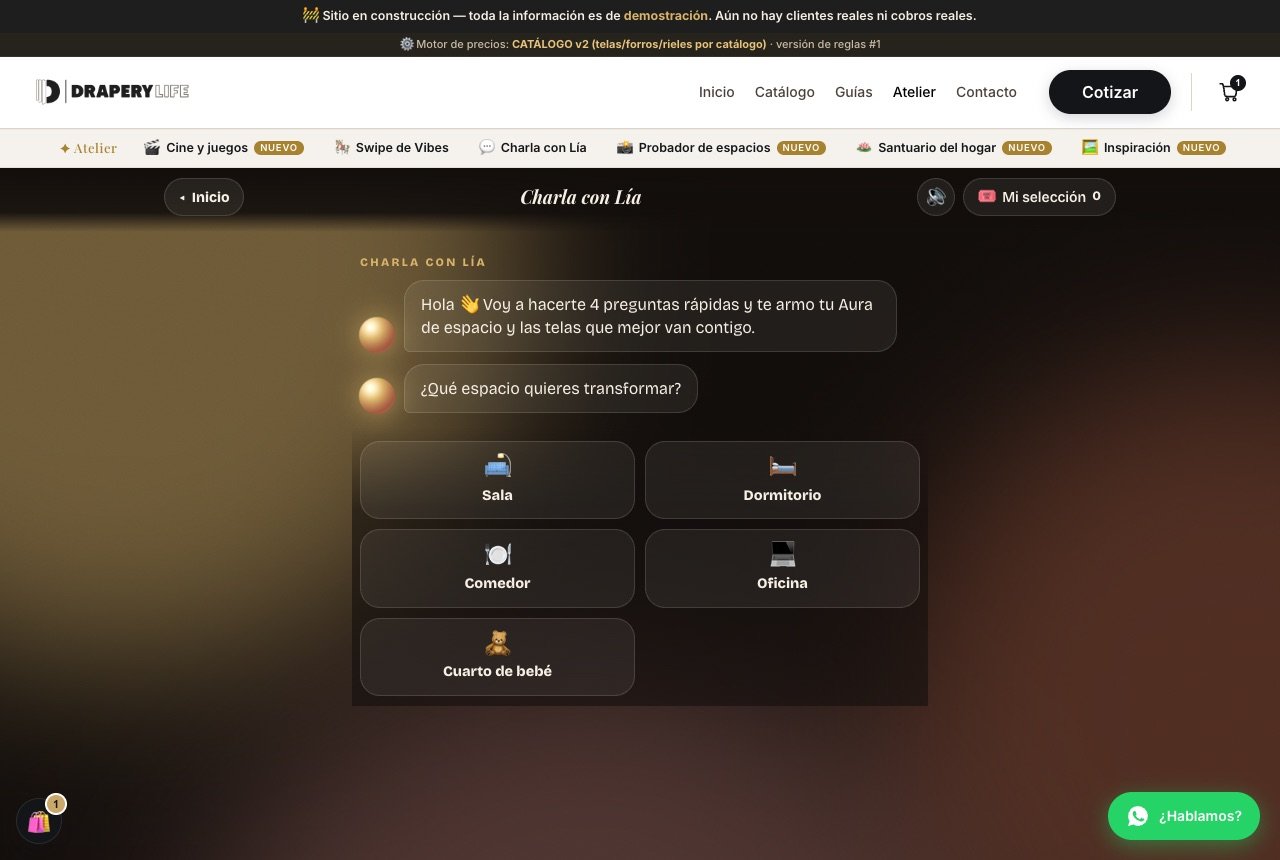
If you prefer to talk, Lía asks you four quick questions about space, light, and color, and uses your answers to build your “Space Aura” and the fabrics that suit you best. Just tap your answers; there's no need to type.
4 · Space Tester
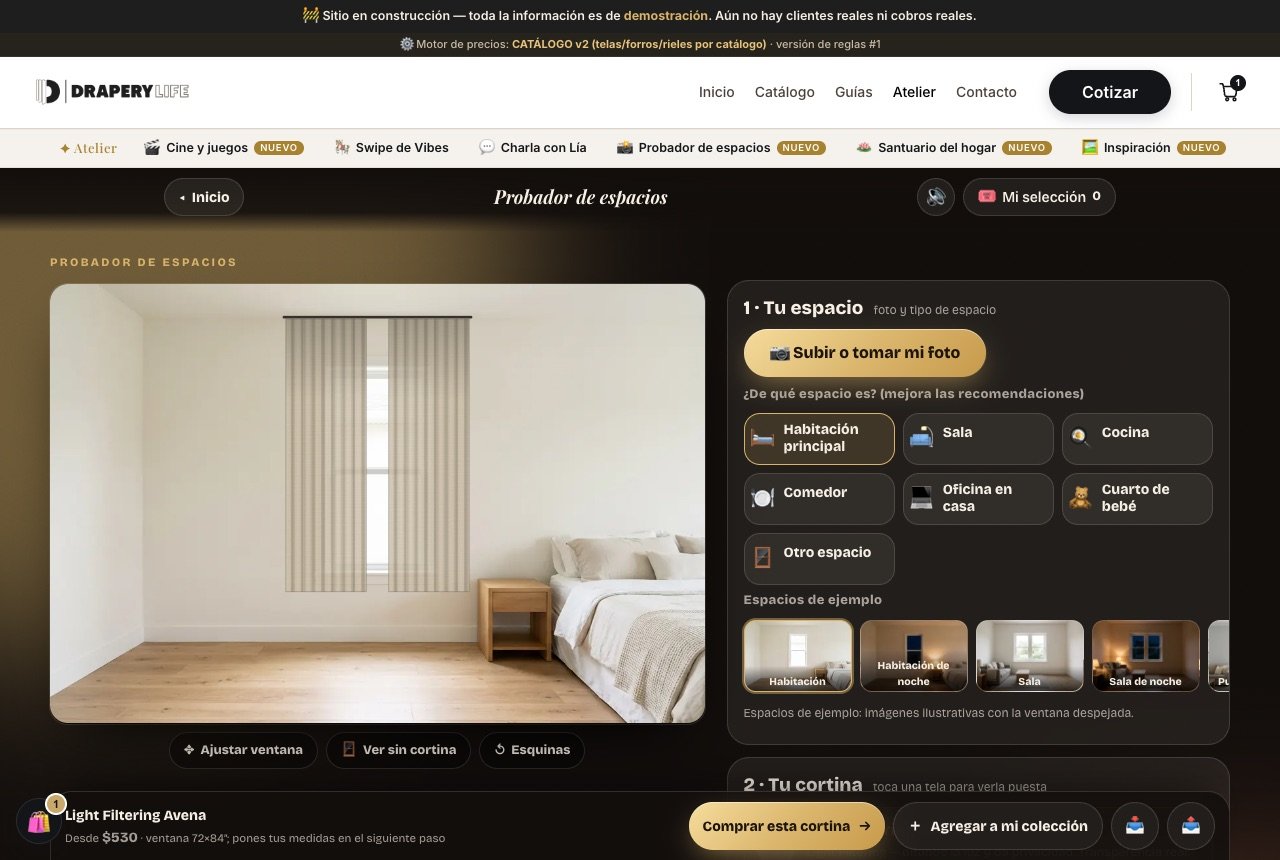
The most practical one. In “1 · Your space”, you upload or take a photo of your window, or use one of the sample spaces (bedroom, living room, sliding door, kitchen, and more, by day and by night). In “2 · Your curtain”, you tap a fabric to see it hung over the photo; you can combine up to two per window. Below the image, you'll find Adjust window, View without curtain, and Corners to frame the opening properly. The bottom bar shows the selected fabric and its starting price, with two buttons: Buy this curtain or Add to my collection.
5 · Home Sanctuary, with Amara
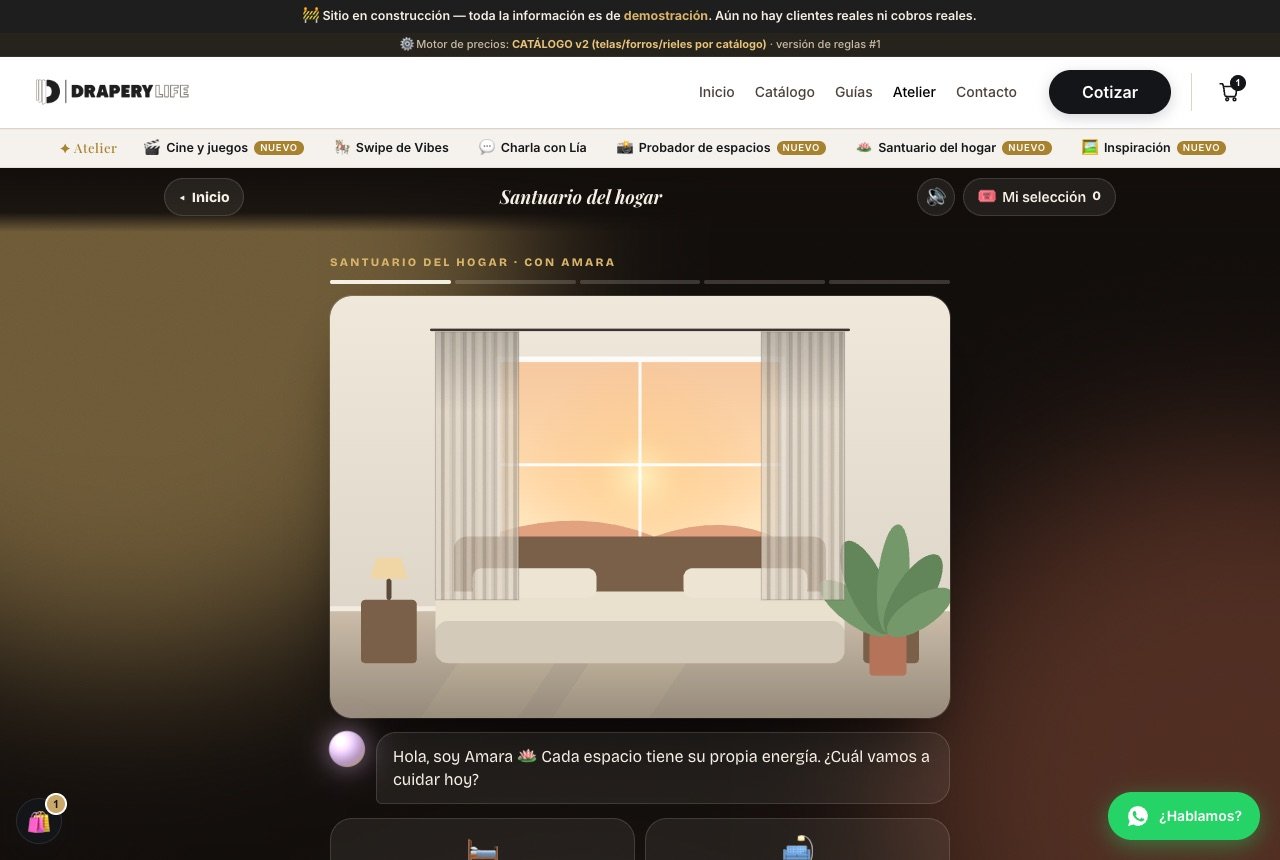
A more contemplative experience: Amara asks which space you want to care for, each with its own elements (for example, the primary bedroom with Water and Earth, and the living room with Fire and Earth), and recommends the curtain that best supports that energy according to Feng Shui principles.
6 · Inspiration
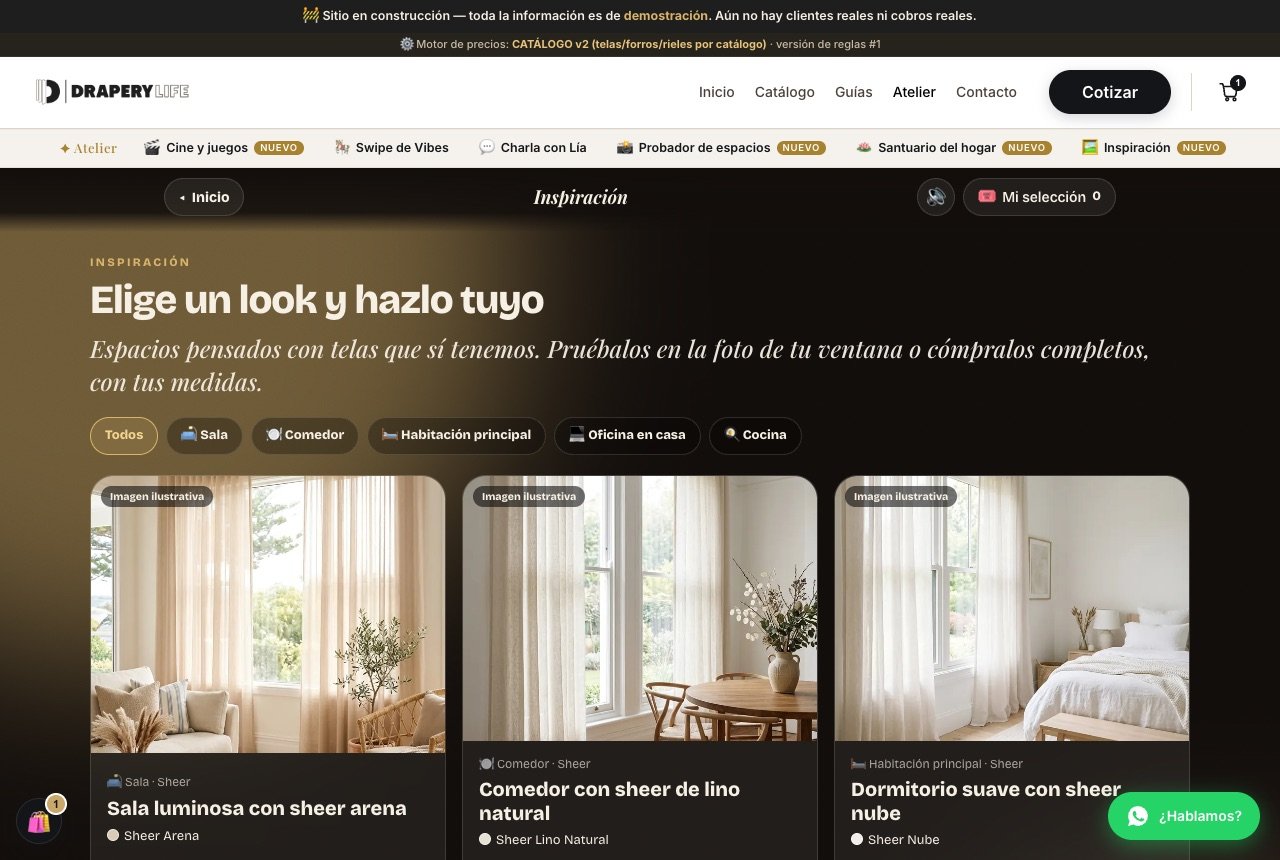
If you already know what you like when you see it, start here. These are complete looks you can filter by space (living room, dining room, primary bedroom, home office, kitchen), each built with a real catalog fabric and its starting price for a 72×84″ window. Each look offers Buy this look, Try in my window, which takes you to the Tester, or Add to your selection.
The shared goal · My selection
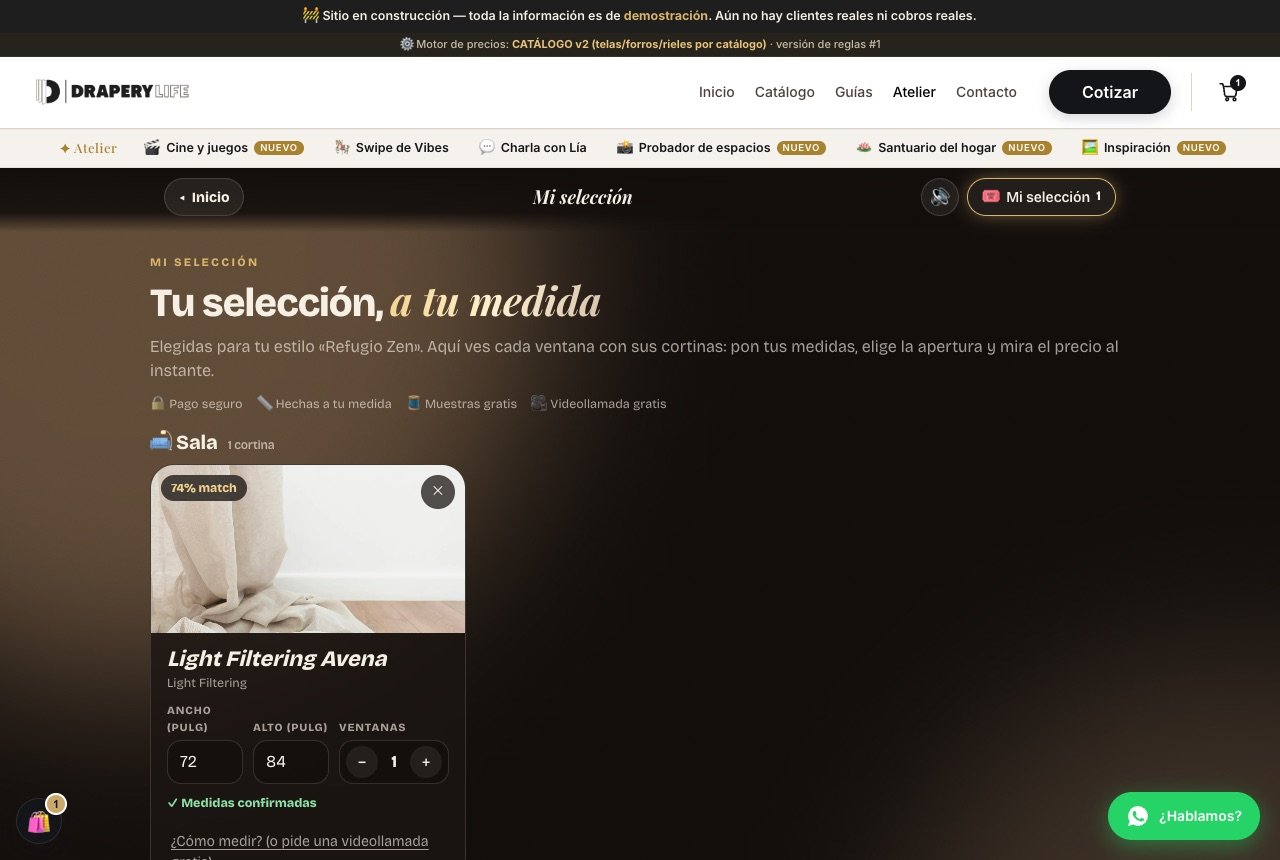
All six experiences lead here. When you tap My selection, you see each fabric grouped by space, with fields for width and height, number of windows, stack, and track type. Once you confirm the measurements, the estimated subtotal is calculated instantly. From there, you can:
- Continue to delivery and payment, using the same checkout process as the configurator.
- Email the selection to yourself or save your design for later.
- Request free fabric samples or a video call if you have questions about your measurements.
- Download your Style Card, a visual summary of your style.
Where do I start?
- I don't know what I like: Vibe Swipe.
- I want to see the curtain in my home: Space Tester.
- I already have an idea: Inspiration.
And more
- Media room or TV room: Movies and games.
- I'd rather talk: Chat with Lía.
- Looking for calm and balance: Sanctuary.
Six paths, one goal: that the curtain you choose feels like yours before it ever reaches your window.
Once you have your selection, the next step is the same one we outline in our buying guide: measurements, installation, and payment, with the price always in plain sight.